Datadog Webhooks
InfrastructureDatadog sends webhooks when monitor alerts trigger, resolve, or change state. Used to route alerts to Slack, PagerDuty, or custom incident handlers.
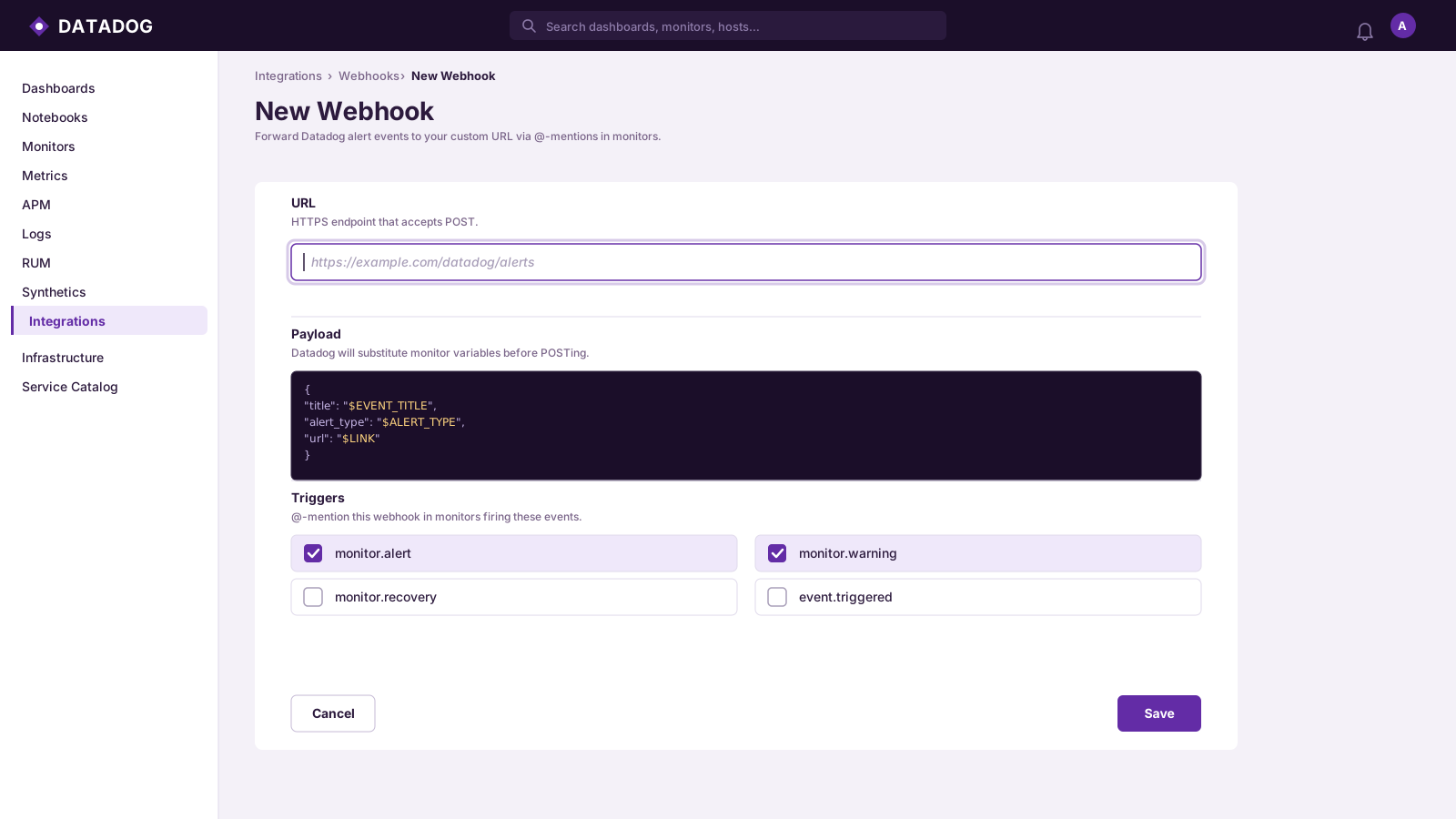
Webhook Events
3 event types
Monitor AlertMonitor threshold breached
Monitor RecoveryMonitor returned to normal
Monitor No DataMonitor stopped receiving data
Signature Verification
N/ANo built-in signature; use allowlisted IPs for security
Sample Payload
Monitor Alert
{
  "id": "monitor_abc123",
  "title": "CPU usage above 90%",
  "msg": "CPU is at 94% on host web-01",
  "snapshot": "https://app.datadoghq.com/snapshot/abc123",
  "date": 1712000000,
  "monitor_id": 12345,
  "org": {
    "id": "org_abc123",
    "name": "Acme Corp"
  },
  "tags": [
    "env:prod",
    "service:api"
  ],
  "priority": "normal",
  "alert_type": "error"
}
Send a Sample Datadog Payload
Pick an event, enter your endpoint URL (or localhost), and fire a realistic Datadog payload with one click — no Datadog account needed.
Test Sender
Loading samples…
Capture & Inspect Datadog Webhooks Live
Get a free public HTTPS endpoint below, point Datadog at it, and watch events arrive in real time. Use the forwarding rule to relay them straight to your local server.
See it work in real time
Click below to get a live webhook URL instantly. Paste it anywhere — Stripe, GitHub, Postman — and watch events arrive right here.
Expires in 1 hour · No account needed
Forward Datadog webhooks to localhost
- Click Create live endpoint above to get a public HTTPS URL
- Paste the URL into Datadog's webhook settings
- In the Forwarding tab, add a rule: target =
http://localhost:3000/webhooks/datadog - Fire a test event from Datadog — it arrives in the inspector and hits your local handler simultaneously
Ready to test your Datadog webhook handler?
Free HTTPS endpoint with forwarding, retry, and event replay. No install, no CLI, no deploy.
Create Free Account